
Advanced multi-camera calibration

Projectiontools

Precision calibration for the most demanding visual systems.

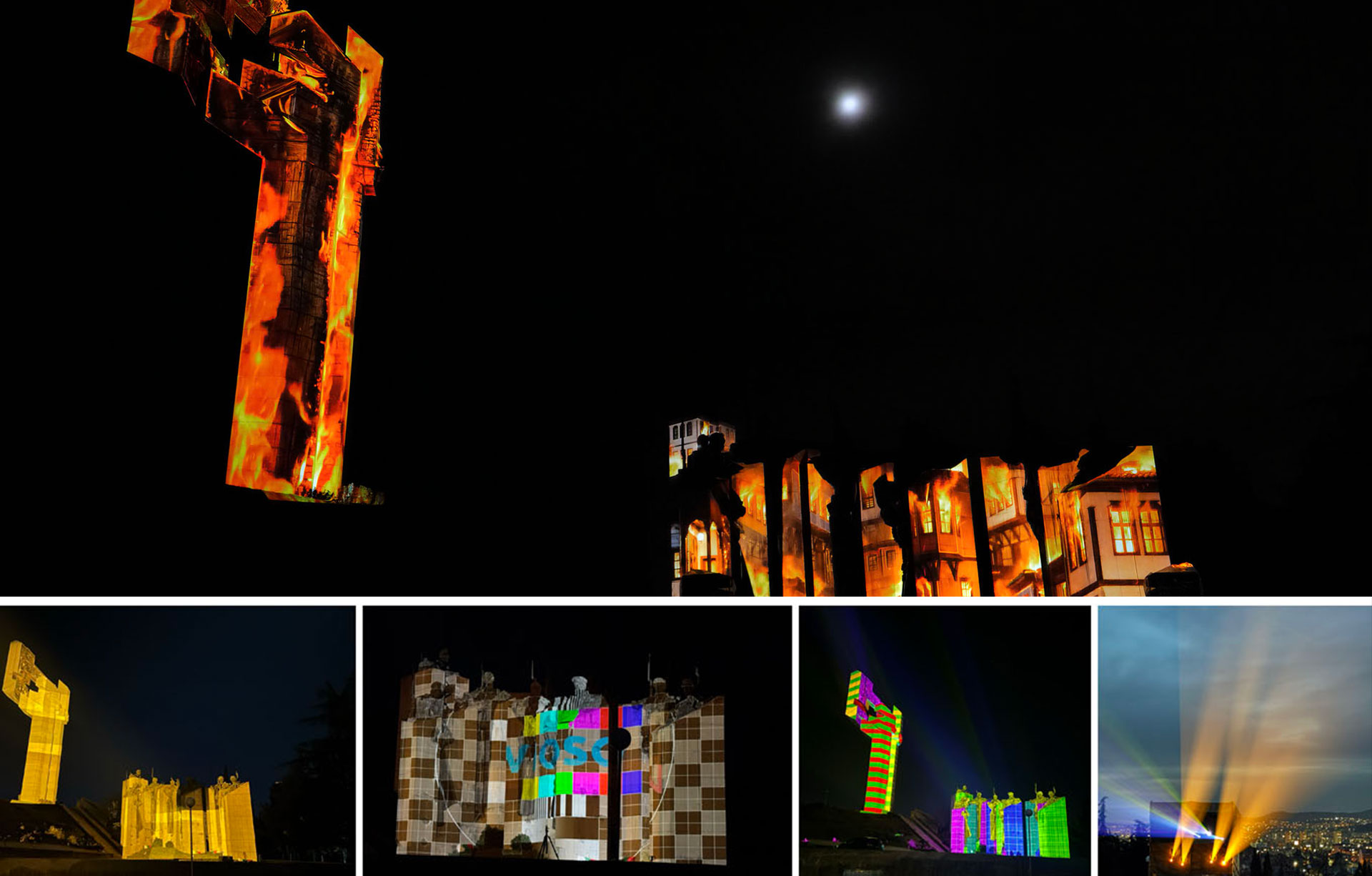
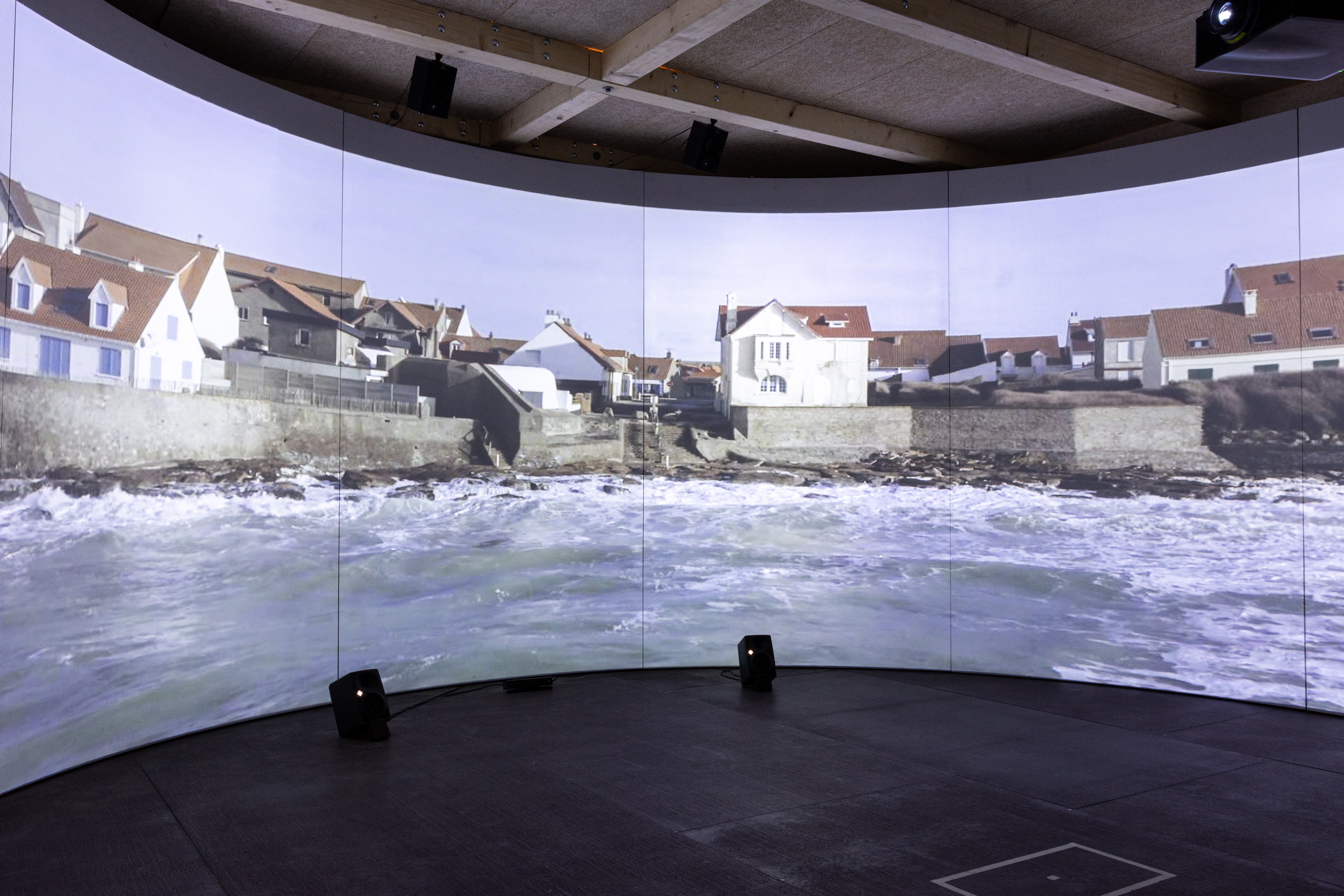
Calibrate complex simulators, immersive rooms, domes and projection-mapped structures with multi-camera workflows, marker-based recalibration and accurate export to leading render engines, media servers and projectors.

Explore documentation
  1. Capture
  2. Calibrate
  3. Export
  4. Recalibrate
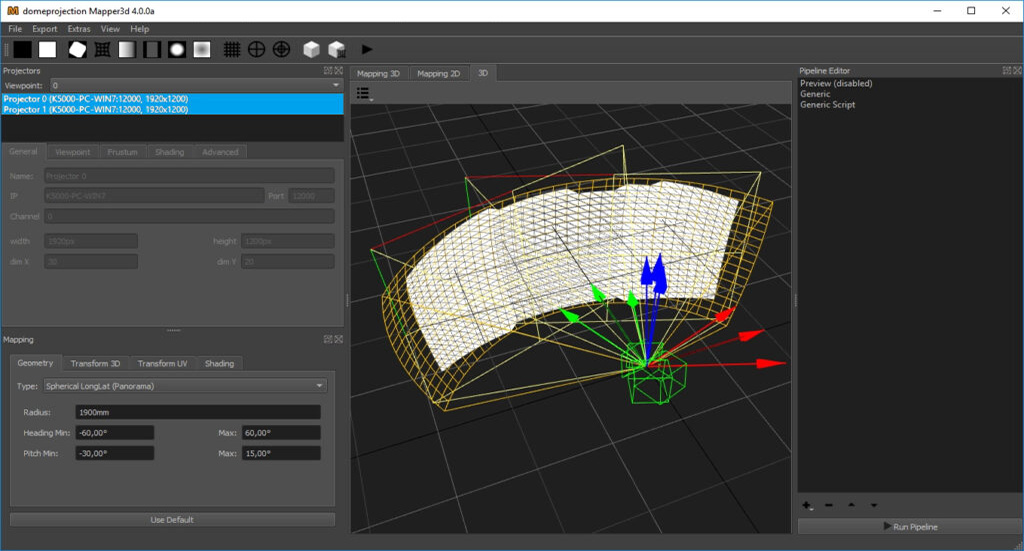
ProjectionTools advanced calibration interface
  • DOWNLOADS

    Datasheets & Documentation

    Visit our DocumentationProjectionTools Doumentation
  • System Requirements

    Runs on Windows 7/8/10/11

    • CPU: Intel Core i5 or equivalent (Intel Core i7 recommended)
    • RAM: 4 GB
    • Graphic Card: OpenGL capable
    Learn more
Take a closer look at ProjectionTools on our dedicated microsite

Projection Mapping Tutorials with ProjectionTools:

  • Projection mapping with ProjectionTools

  • Manual warping in ProjectionTools

The VIOSO Workflow

Where ProjectionTools fits

Every VIOSO product supports a specific stage of the journey from concept to operation.

Explore the full workflow
  1. Workflow stage

    Design & Simulate

    Plan and validate the visual experience before installation.

  2. You are here

    Calibrate

    Align, blend and map the real-world system with precision.

  3. Workflow stage

    Playback

    Run content reliably across the finished installation.