
Camera-based projector calibration
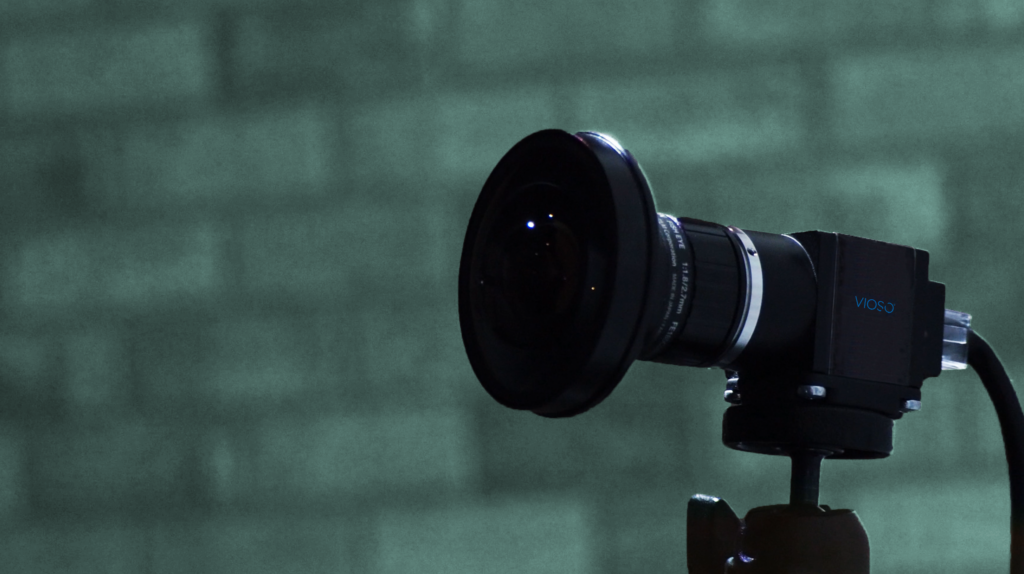
VIOSO 7 projector auto calibration
Perfect control over multiple-projector systems.
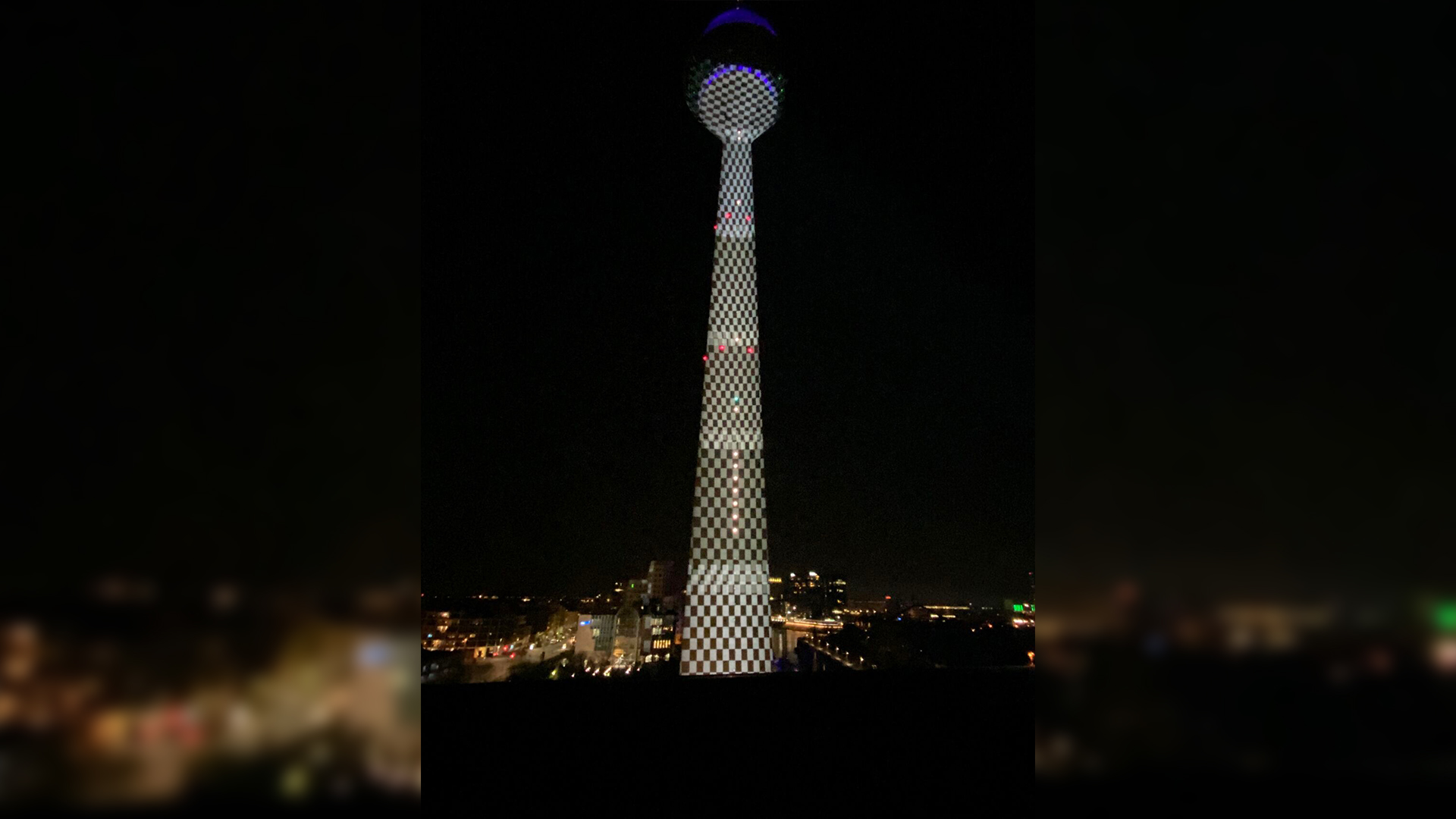
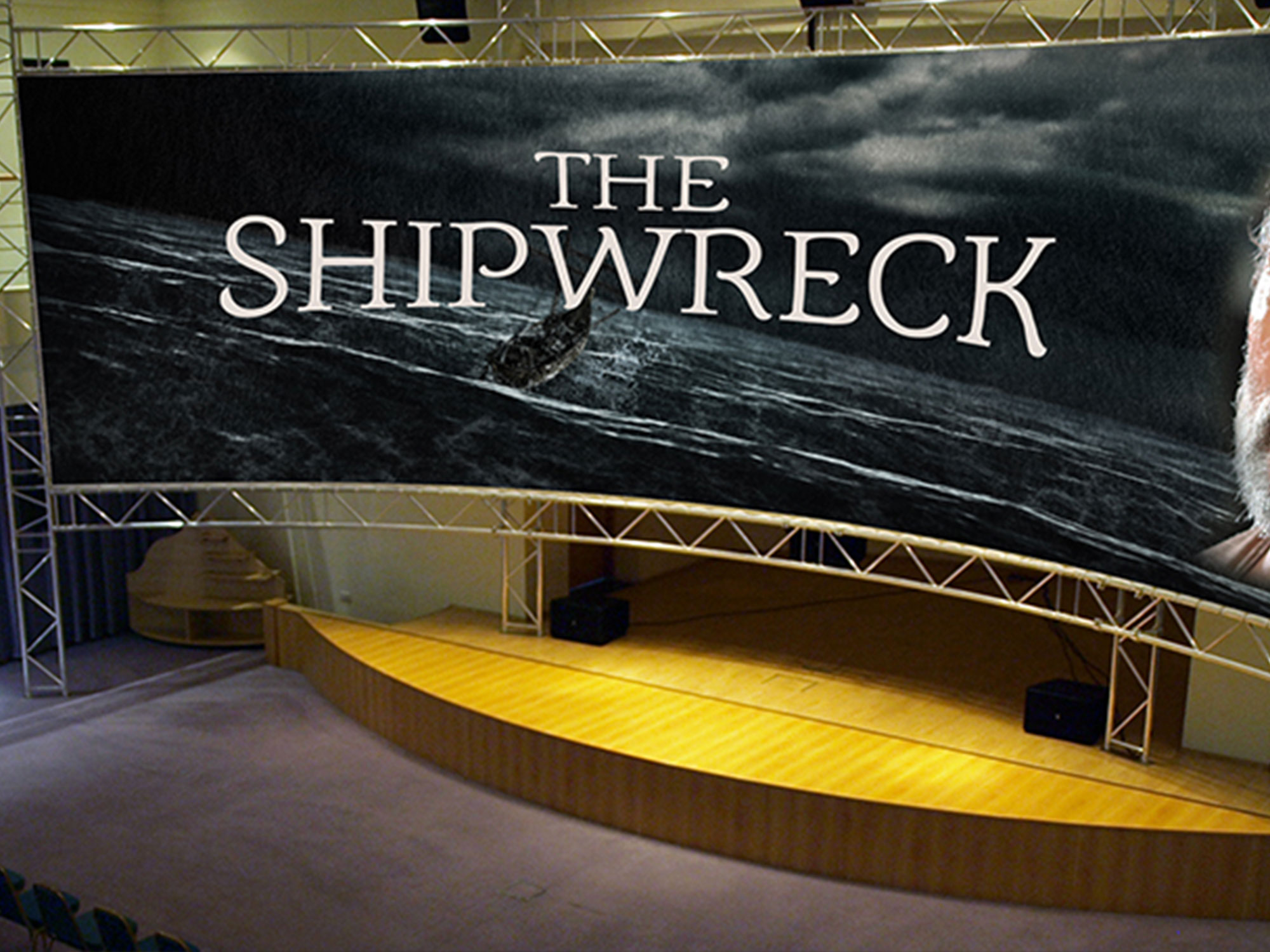
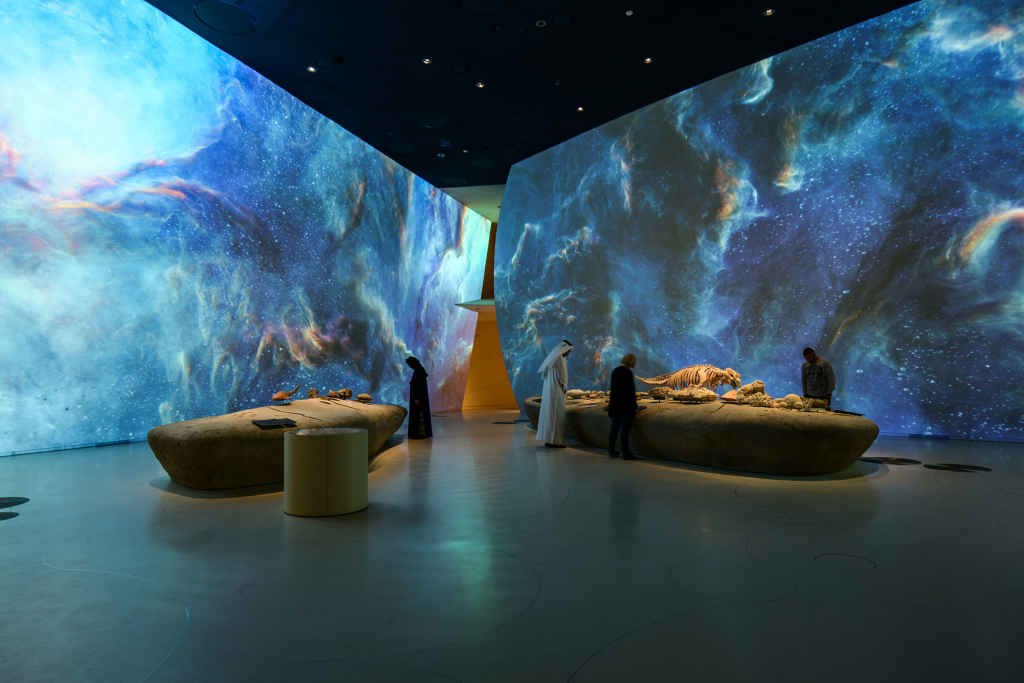
Automatically align, warp and blend projectors across flat screens, domes and complex projection-mapping surfaces, with scalable support for the cameras, outputs and image generators your project requires.
- Capture
- Align
- Warp & blend
- Deploy
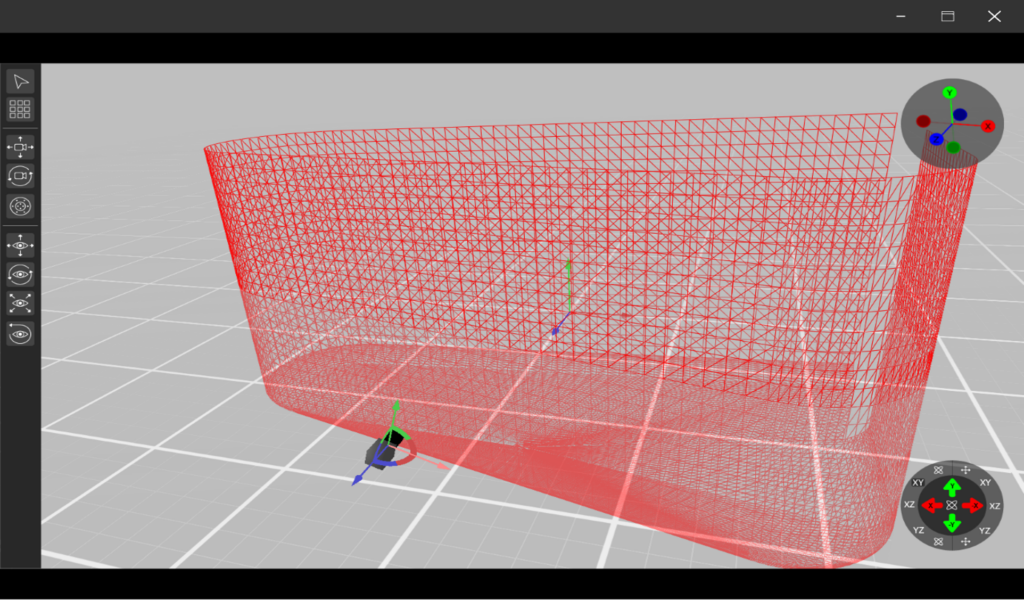

Camera-based calibration for demanding projection systems
Key Features
VIOSO 7 brings together automatic alignment, warping, blending and calibration data export for professional multi-projector and visual display workflows.
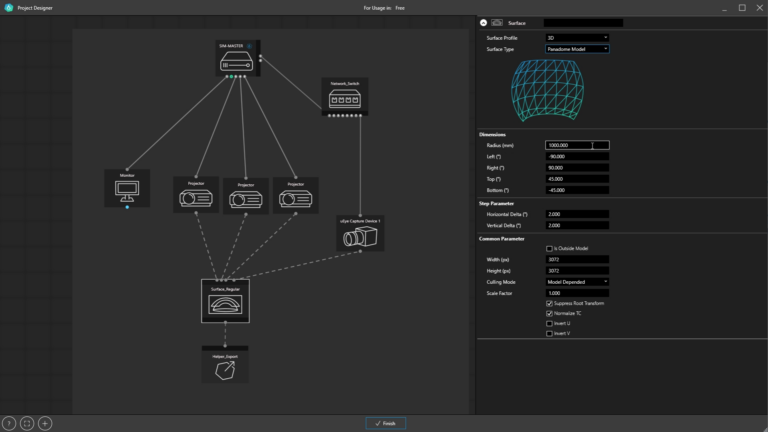
Single-camera auto-alignment
Create seamless images from defined projection setups using automatic camera-based warp and blend.
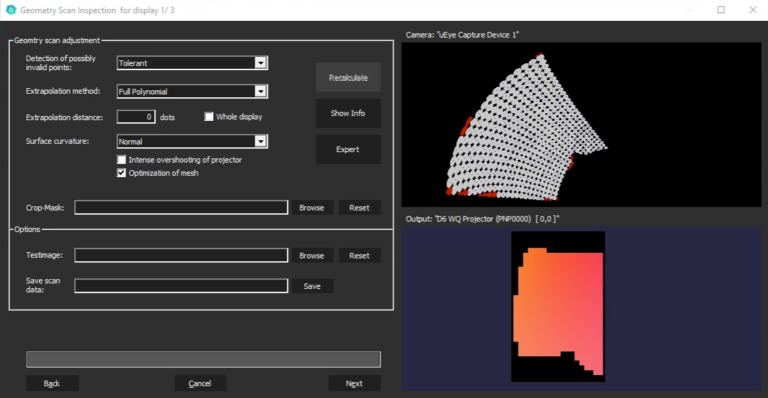
Warp, blend and geometry correction
Correct geometry, soft-edge blending, colour, black level and linearity across multi-projector systems.
Any projector or display type
Support projector-based systems and direct-view LED workflows with calibration tools designed for real-world AV projects.
Export-ready calibration data
Embed calibration into Windows Desktop or export data into leading AV products, media servers, projectors and signage workflows.
System Requirements
Runs on Windows 10 and Windows 11
Professional GPUs from NVIDIA (such as the Quadro/RTX range) and AMD (including the Radeon PRO lineup) are preferred for such applications due to their superior capabilities in managing multiple displays simultaneously.
Learn more